Every drum gets a channel strip.

Separating the drums is only the first step. After that, every stem gets its own rack of tools. Every drum has a Look-Ahead Noise Gate and a Transient Shaper, and every stem can send MIDI. On top of that, the kick and snare add Drumagog replacement and a Transient Restorer. Work that used to take a whole folder of plugins now happens inside one window.
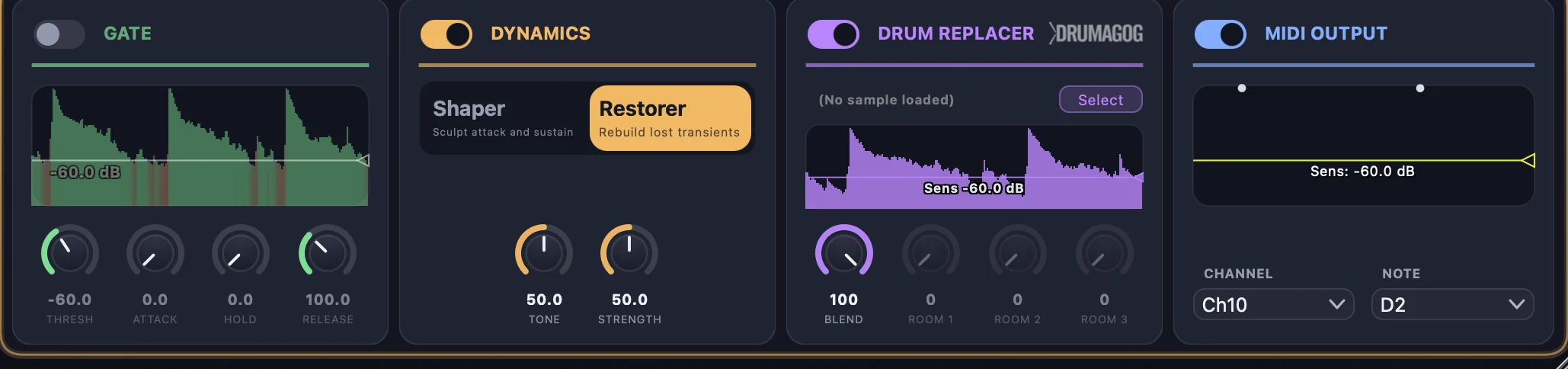
The per-stem rack: Gate, Dynamics, Drum Replacer, MIDI Output

Look-Ahead Noise Gate

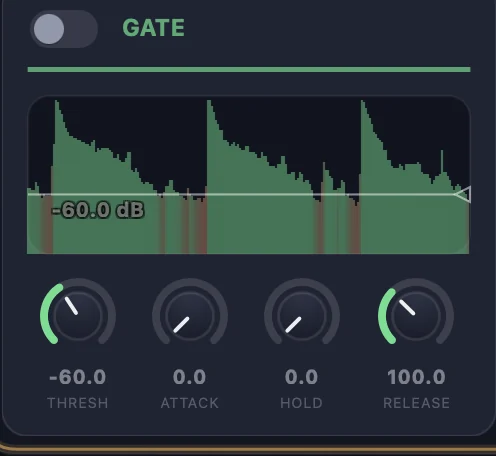
Even a clean separation can sometimes leave bleed in the gaps between hits. The built-in gate looks 10 ms ahead of the audio, so it's already open by the time the hit actually arrives. And the live waveform view turns red when the gate is closed, giving you instant feedback on how the gate is working.

Look-Ahead Noise Gate with live waveform and threshold line

Transient Shaper

Every stem gets an Attack and a Sustain knob. Use them to tighten a boomy floor tom, soften a spiky ride, or bring up the body underneath a snare's crack. The shaper adds no latency, and it never moves a hit in time.

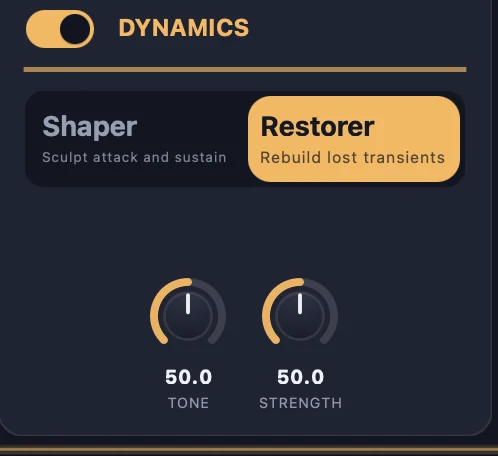
Transient Restorer Pro

When a kit gets mixed down to stereo, the sharp front edge of a kick or snare can sometimes get rounded off, and separating it back out doesn't always bring that edge back. The Restorer helps to build the attack back in, and you can then shape it with Tone and Strength. That's the difference between a snare that merely survived separation and one that still cracks.

Dynamics: Transient Shaper and Transient Restorer modes

Route every stem to its own track (Pro Tools only)

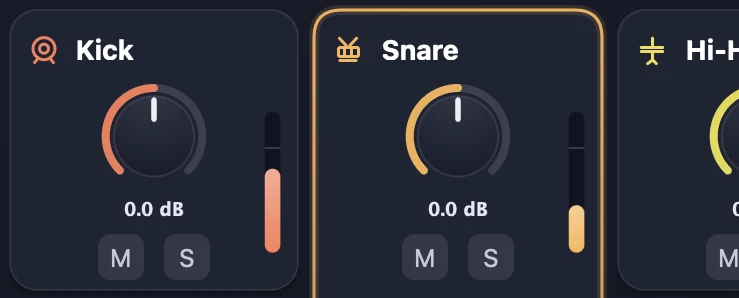
Gain, mute, and solo handle the quick moves without leaving the plugin. When you're ready to mix for real, if you're using Pro Tools, you can route each stem to its own Pro Tools track. From there you can add parallel compression, reverb sends, or anything else your template does with real multitracks. If you're using a different DAW, ReStem allows you to easily drag the finished stems right onto separate tracks.

Stem mixer channels: gain, mute, solo per drum

Raw stems, processed stems, or both

In the standalone app, the Export button writes out either the raw separated stems, or the stems after they've been processed by ReStem's effects rack. If you used the MIDI Output feature (Pro Only), it also exports a ready to use MIDI file. Files come out as WAV or FLAC at 24-bit.

The transport strip with the Export button
← SeparationReplace & Trigger →